Fotoreto vs Evoto: a comparison for portrait editors
Evoto is an AI portrait retouching app used by many studios. Fotoreto is a browser-based photo editor that covers both color editing and retouching. They overlap, but they suit different ways of working. This comparison helps you pick the right tool, or combine them.
Evoto details are based on the official evoto.ai pages at the time of writing (October 2026). Prices and features change, so check Evoto's site before buying.
At a glance
| Fotoreto | Evoto | |
|---|---|---|
| How you use it | Open in the browser, nothing to install; works on phones | Installed app for Windows and Mac; sign in to an account |
| Pricing | Most tools free; Premium $12.99 / year or $19.99 for life, not per photo | Buy credit packs, from 1 credit per photo; credit packs are valid for 1 year |
| Strengths | Color editing, looks, AI masks, culling, quick retouching, delivery | Very complete AI portrait retouching, in batches |
| Where photos go | Processed on your device, never uploaded | See Evoto's policies |
Pricing: the biggest difference
Evoto uses credits: according to Evoto's pricing page, each photo costs from 1 credit. Credit packs are valid for one year, larger packs cost less per credit, and new users get a few trial credits.
Fotoreto doesn't charge per photo. Most tools are free; Premium is $12.99 for a year or $19.99 for life, with no limit on how many photos you export. A 600-photo wedding or a 6,000-photo season costs the same. See Pricing.
Example: a studio delivering 300 photos a week delivers about 15,600 a year. With per-photo credits, that is at least 15,600 credits; with Fotoreto it is one $19.99 payment.
Portrait retouching
Evoto is strongest here: a broad set of AI retouching tools for skin, face, body, hair and background, applied to whole batches at once. For studios shooting beauty, yearbooks or weddings in volume that need deep, consistent retouching, Evoto saves many hours.
Fotoreto has the retouching tools used most often, enough for most portraits:
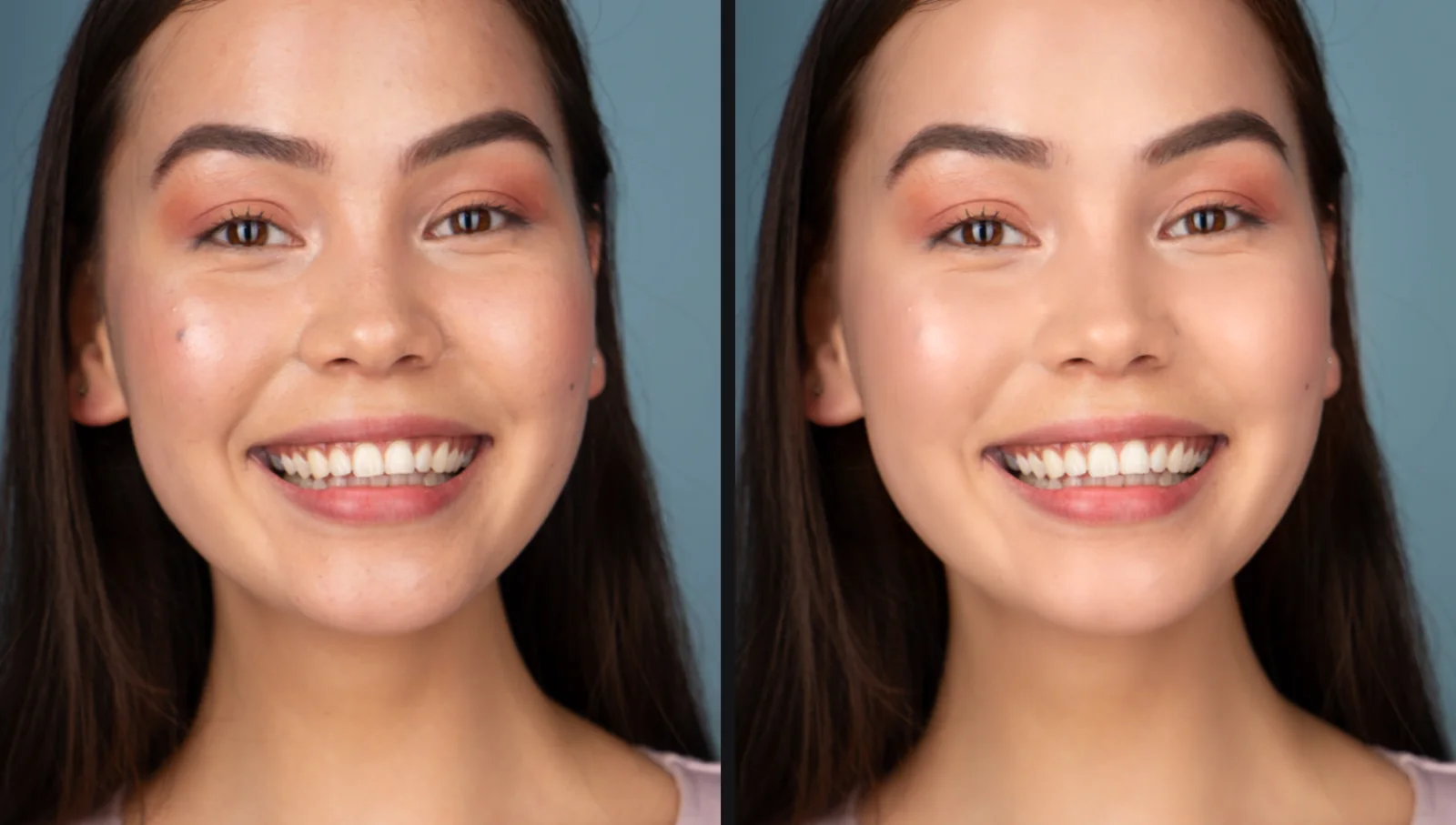
- Remove blemishes: the app circles each spot for you to review; keep moles or freckles if you like.
- Smooth skin that keeps pores, with separate forehead, cheek and chin control; even skin tone, Bright Rosy Skin, Brighten eyes, Whiten teeth.
- Even out skin tone across a set from one sample photo, so the model's skin matches in every frame.
- Face shaping, body reshaping, leg lengthening, hair fill (Premium).
- Dodge & burn brush with a black-and-white viewing aid for those who like to work by hand.
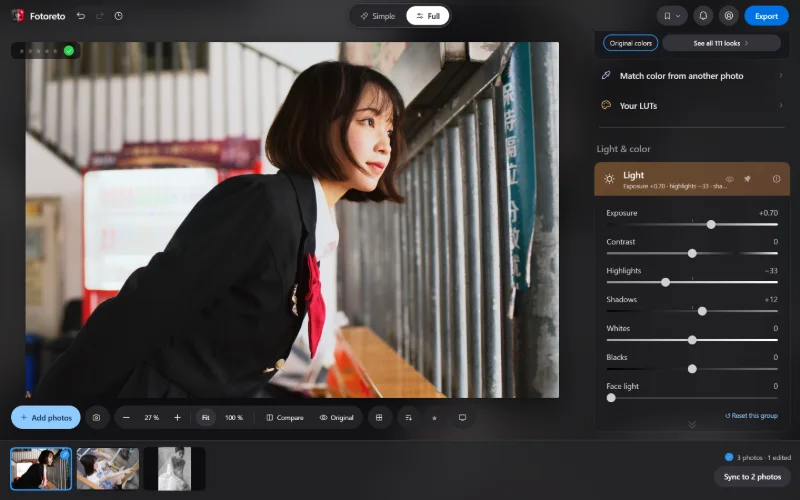
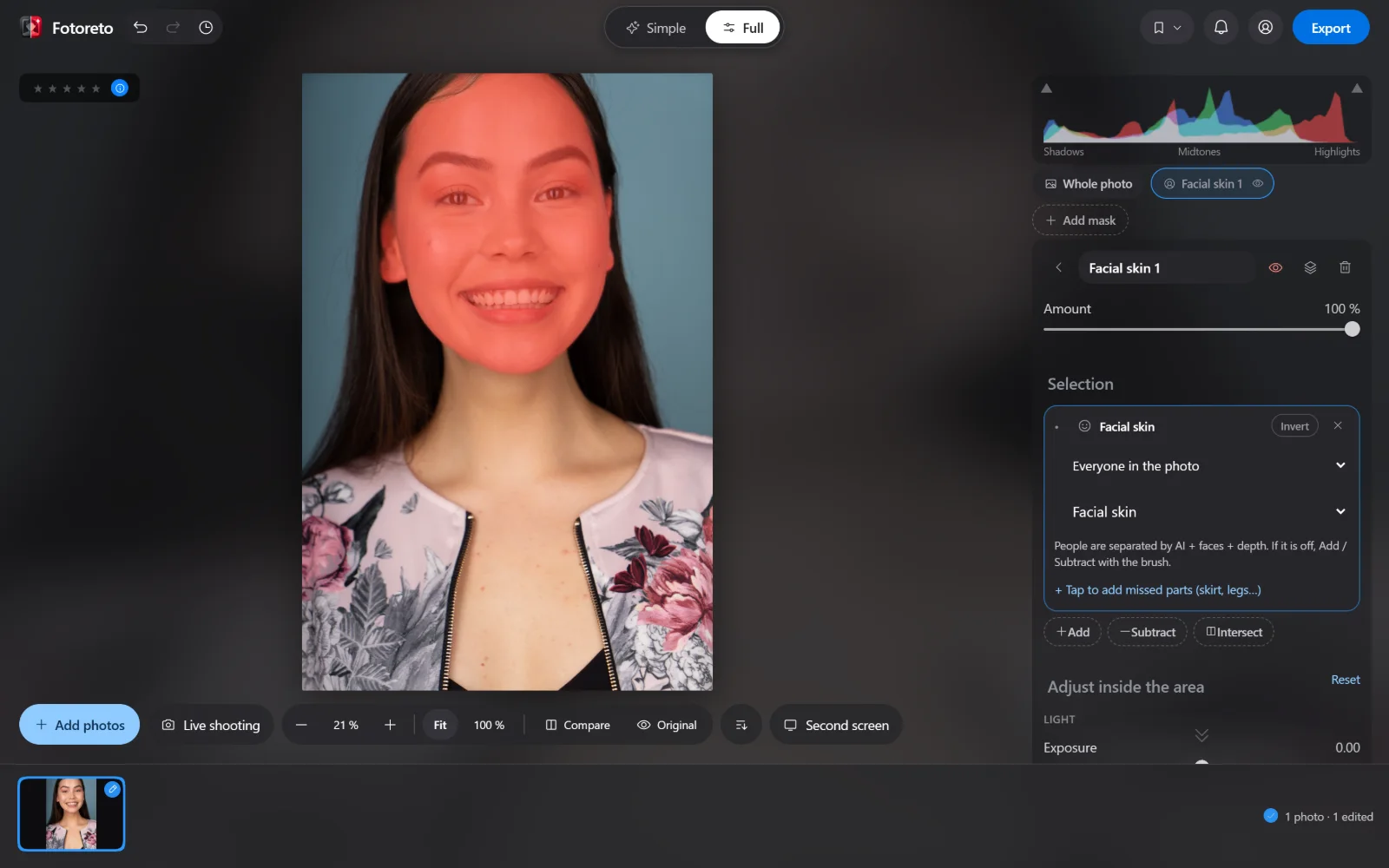
Fotoreto's AI masks select Facial skin, Body skin, Hair, Lips, Teeth, Eye whites, Irises and Eyebrows, so you can brighten just the face or change lip color without painting.
Color, culling and delivery
This is where Fotoreto does more than a retouching app:
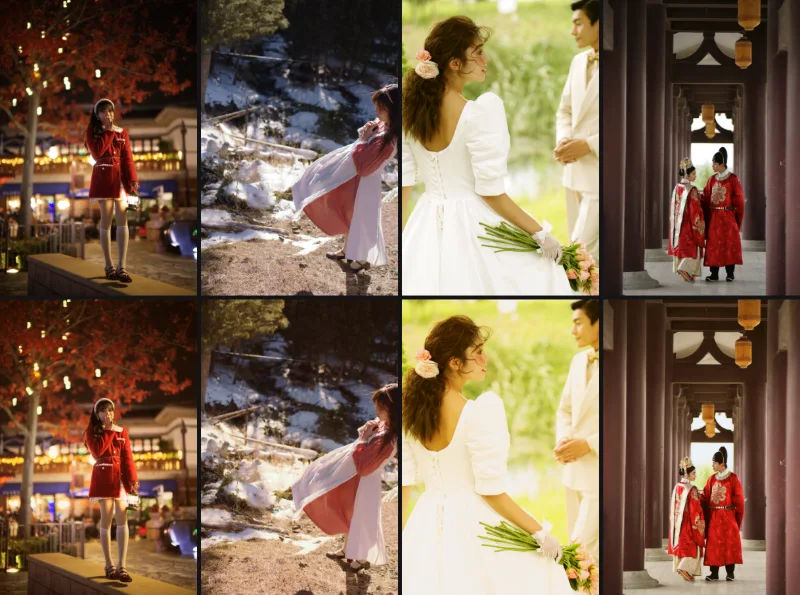
- 111 looks, suggestions per photo, Lightroom preset import (.xmp) and your own .cube LUTs.
- Cull: flags blurry frames, duplicates and closed eyes before you edit.
- RAW from the major brands, edited as 16-bit data.
- Export several sizes at once (client review 3000 px, Facebook, messaging, print), studio logo, frames.
- Live shooting over the camera's Wi-Fi and a Second screen for clients during the shoot (computer).
Workflow and privacy
Evoto is installed on a computer and needs a sign-in to use credits. Fotoreto opens in the browser, including on phones and tablets; the free plan needs no account. Everything in Fotoreto, AI masks included, runs on your device: client photos are not uploaded anywhere.
Which should you use?
- Use Evoto when you retouch portraits in volume, need deep AI tools (skin, body, background) applied evenly to whole sets, and credits fit into your pricing.
- Use Fotoreto when the main job is color, culling, light to medium retouching and fast delivery; when you deliver many photos and don't want to pay per photo; or when you need to work on any device, including a phone.
- Use both: cull and color the whole shoot in Fotoreto (no credits), and send only the frames the client picks to Evoto for deep retouching. You spend far fewer credits and the delivered photos look just as good.
Try Fotoreto for free: drop a portrait in, then try Remove blemishes and Smooth skin.