Fotoreto for photographers: from shoot to client delivery

For working photographers, the slow part is not the shoot but everything after it: picking the keepers, making the colors match, retouching, exporting every size the client needs. This post follows that order and shows where Fotoreto saves you time.
Fotoreto runs in the browser, so it opens on the studio computer, the laptop you bring to a shoot, even your phone when you want to show a client a few frames.
1. Shoot, and the photos arrive (computer)
Live shooting turns a folder on your computer into an inbox. Your camera sends photos over Wi-Fi into that folder with the maker's software (Sony Imaging Edge, Canon EOS Utility, Nikon Wireless Transmitter Utility, Fujifilm PC AutoSave) or FTP. When a new photo lands, Fotoreto:
- opens it right away;
- edits it the way you chose: auto, like the previous shot, or with a saved look;
- saves the edited copy into a
Da-chinhsubfolder in the background, without slowing the shoot.
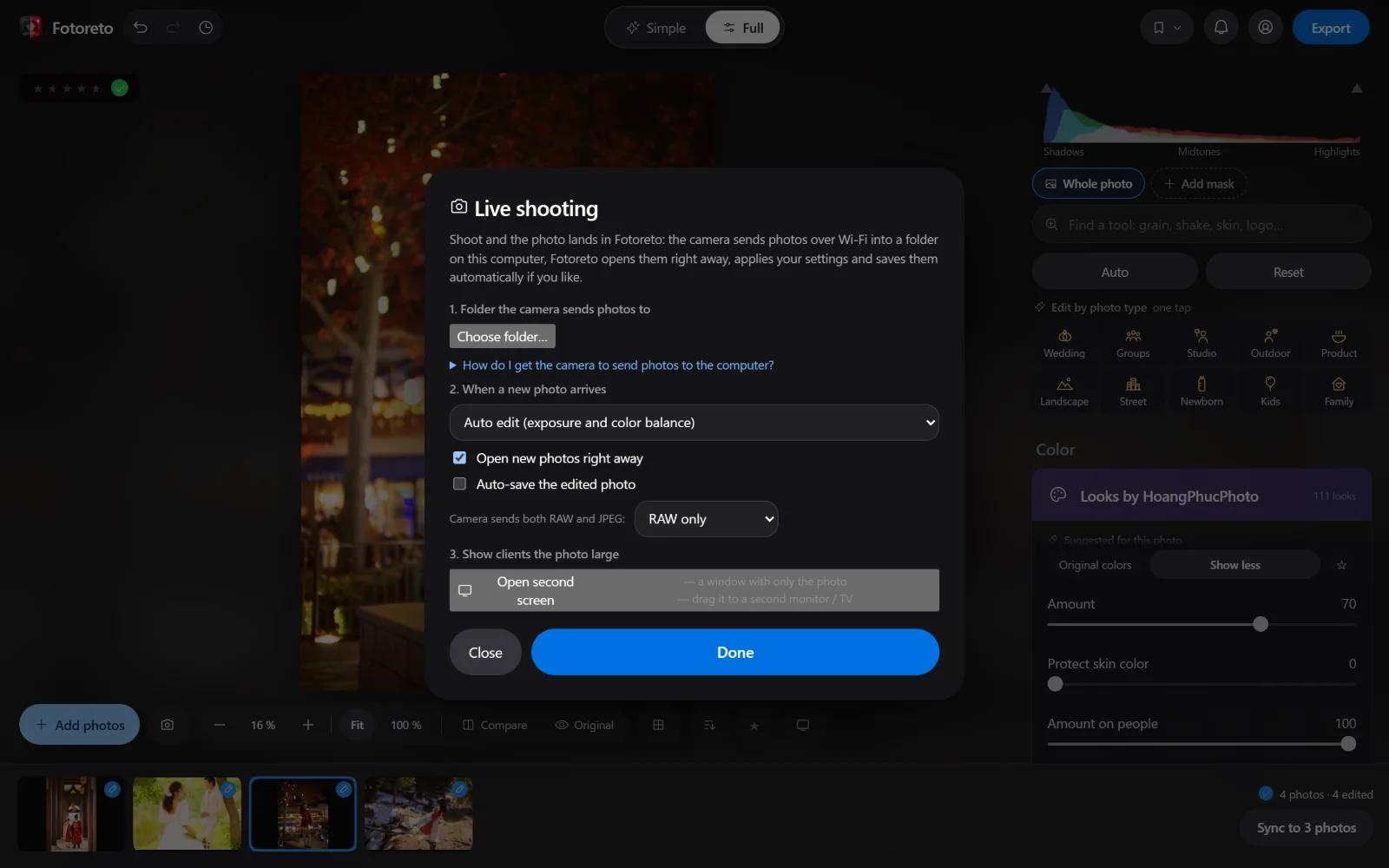
Click Second screen to open a window with just the big photo, and drag it to a second monitor or a TV so the client can watch during the shoot. This works on a computer with Chrome or Edge.
2. Cull before you edit
A wedding can produce thousands of frames. Cull (Premium) flags the blurry, shaky and missed-focus frames, duplicates from bursts and frames where someone closed their eyes. The app only flags them; you decide what stays. Rate with keys 1–5 to narrow it down further. See cull duplicates, blur and closed eyes.
3. RAW from every major brand
Drop RAW files straight in: Sony ARW, Canon CR2 / CR3, Nikon NEF, Fujifilm RAF, Panasonic RW2, DNG… Premium edits the 16-bit RAW data, so blown highlights and deep shadows that a JPEG has lost can come back. More in open RAW files online.
4. Color a whole shoot in minutes
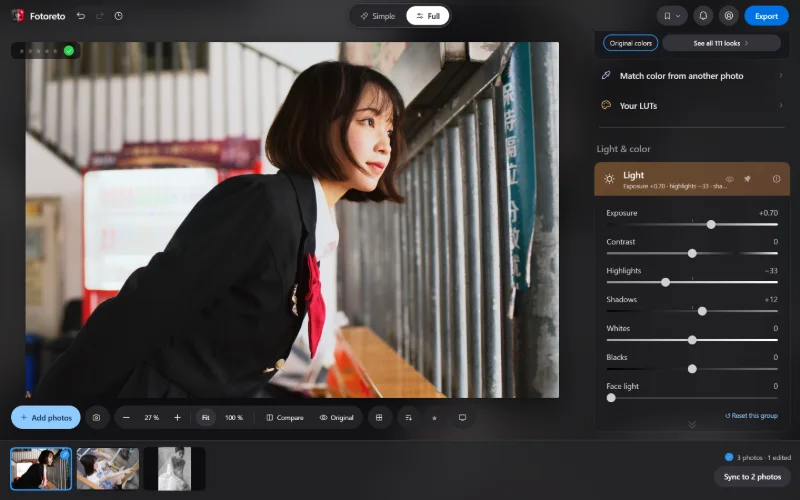
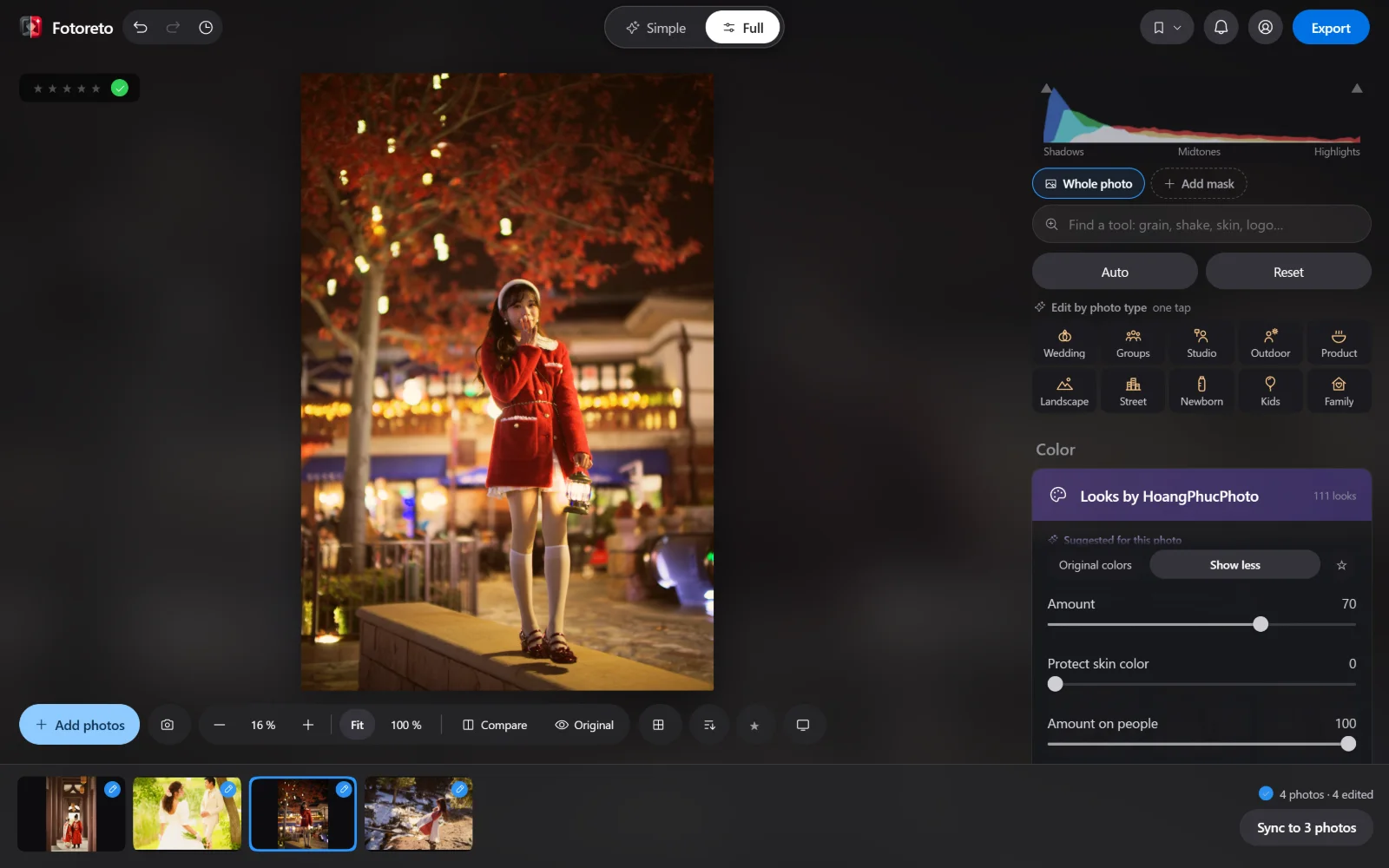
The familiar way: edit one sample, then sync it to the whole shoot.
- Edit by photo type gives one-tap starting points: Wedding, Yearbook, Studio, Outdoor, Product, Newborn, Kids, Family…
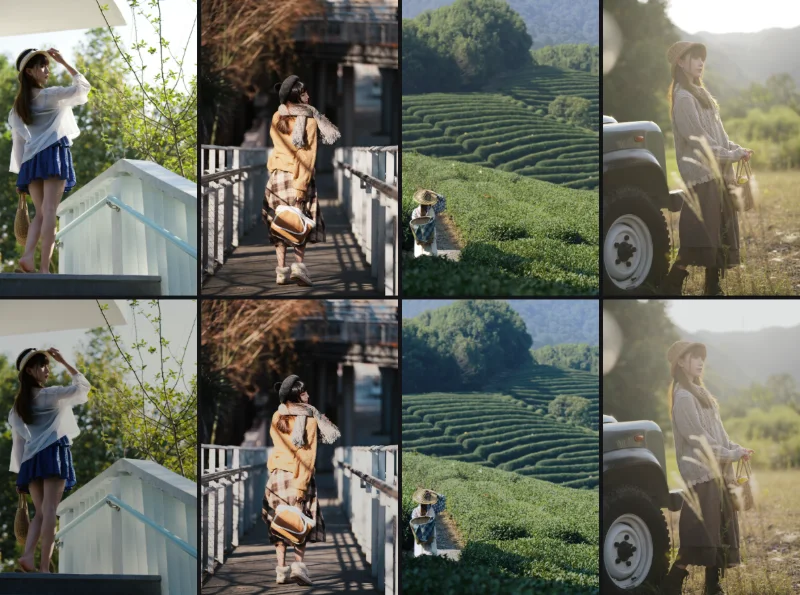
- 111 looks, with Suggested for this photo. Import the Lightroom presets (.xmp) you already use; no need to rebuild your style.
- Sync copies the color to the other photos while recalculating each photo's exposure, so slightly dark and slightly bright frames end up with the same tone.
5. Fast retouching that keeps skin real
Fotoreto is made by a retoucher, so portrait tools go deeper than a typical color app:
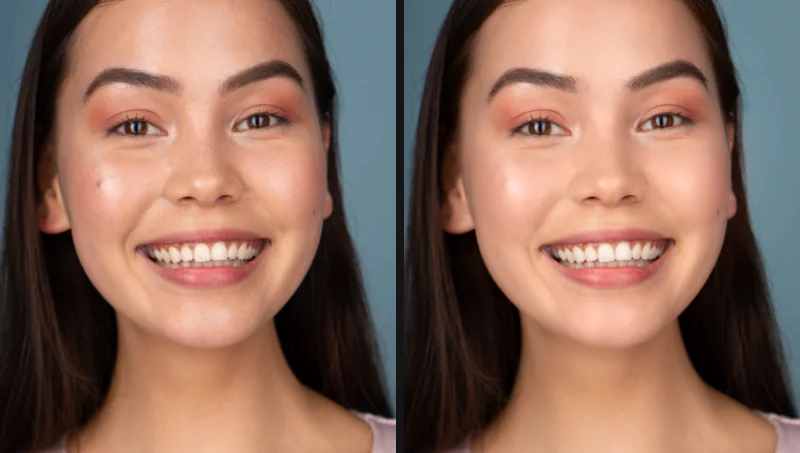
- Remove blemishes: the app circles each spot for you to review; keep moles or freckles if you like.
- Smooth skin keeps pores; even out skin tone across a whole set from one sample photo, so the model's skin matches in every frame.
- Face shaping, body reshaping, leg lengthening, hair fill (Premium).
- AI masks for Facial skin, Hair, Teeth, Eye whites… to edit exactly the right spot without painting.
6. Deliver: one export, every size
The Export dialog lets you tick several purposes at once, each saved at the right size:
- Send to clients for review: long edge 3000 px, light but sharp enough to choose from.
- Post to Facebook, Instagram (2048 px) and Send via Zalo or messages (1600 px) for social posts.
- Print or keep full quality: original size.
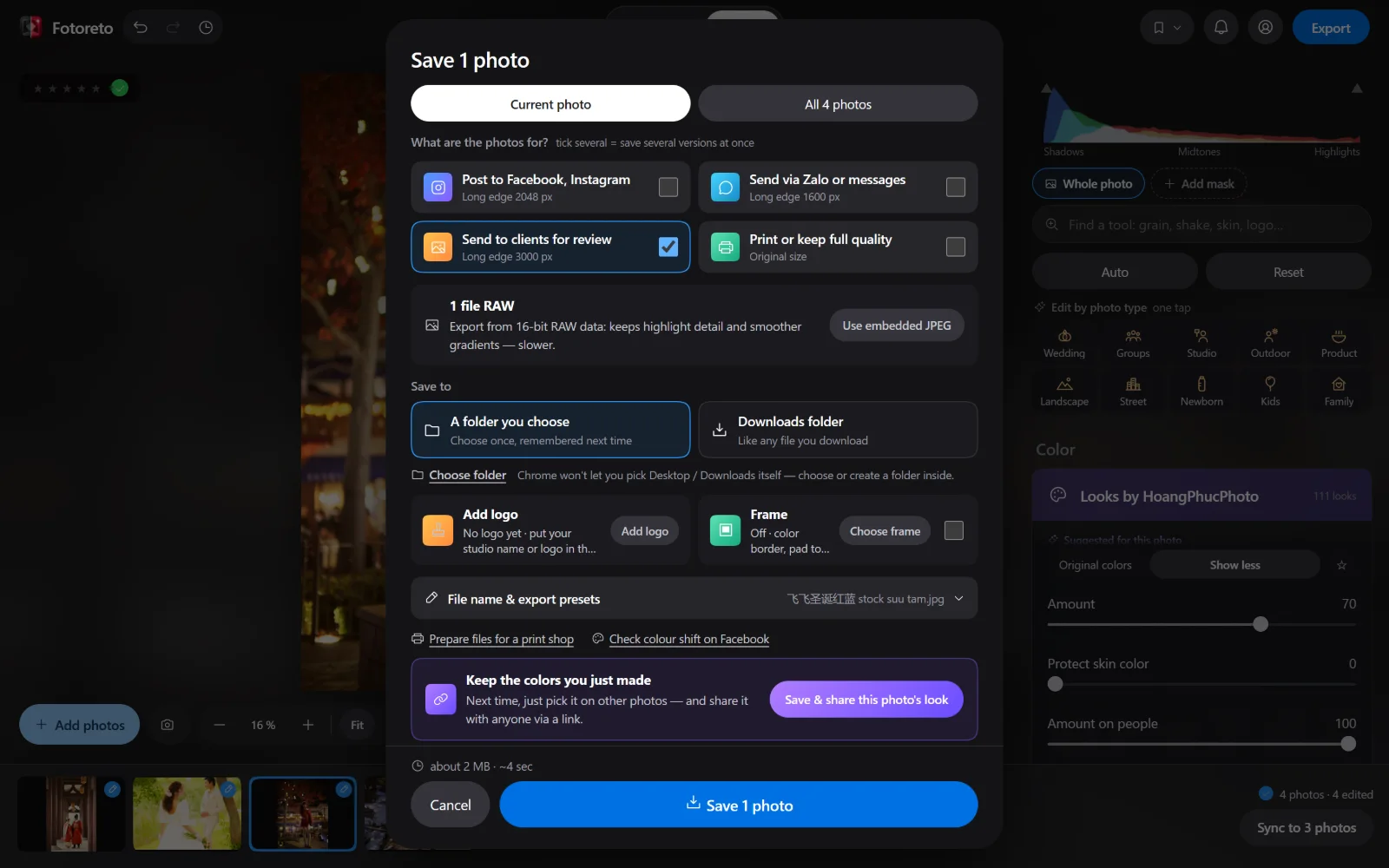
Add logo with your studio mark (position, size, opacity), add a frame, or a before / after image for your page. Exporting many photos runs in the background, so you can keep editing.
7. Client photos never leave your computer
Every step above runs on your own device. Photos are not uploaded anywhere, not even for AI masks or AI object removal. For weddings, family and kids' photos, clients increasingly care about that.
8. You don't pay per photo
Most tools are free. Premium is $12.99 per year or $19.99 for life, paid once. There is no charge per exported photo, so a busier wedding season costs nothing extra. See Pricing.
Open Fotoreto with your latest shoot: drag the whole folder in to start.