Batch photo editing, right in your browser.
Edit photos online with nothing to install: cull bad shots, retouch portraits automatically, get presets picked for each photo, with Lightroom-style tools. Your photos never leave your device.
Nothing to install. The free plan needs no account.
 Fotoreto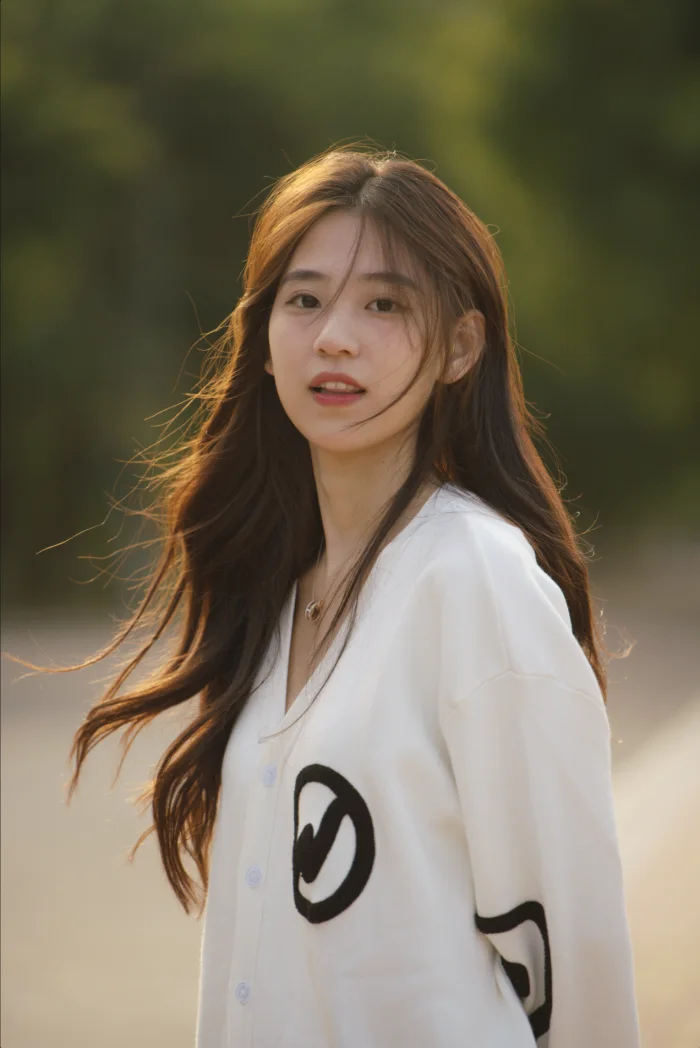

Don't like it? Click again to undo.
Try it on the photo: drag the compare line, pick a color style, then sync the whole shoot.
Sample Sony RAW files from a demo library. The edited versions were rendered by Fotoreto: Auto adjust, a color style and sync, no manual tweaks.
Cull a whole shoot in minutes.
Drop the whole shoot in. The app flags duplicates, blur, camera shake, missed focus, over- and underexposure and closed eyes, so you only review the doubtful frames.
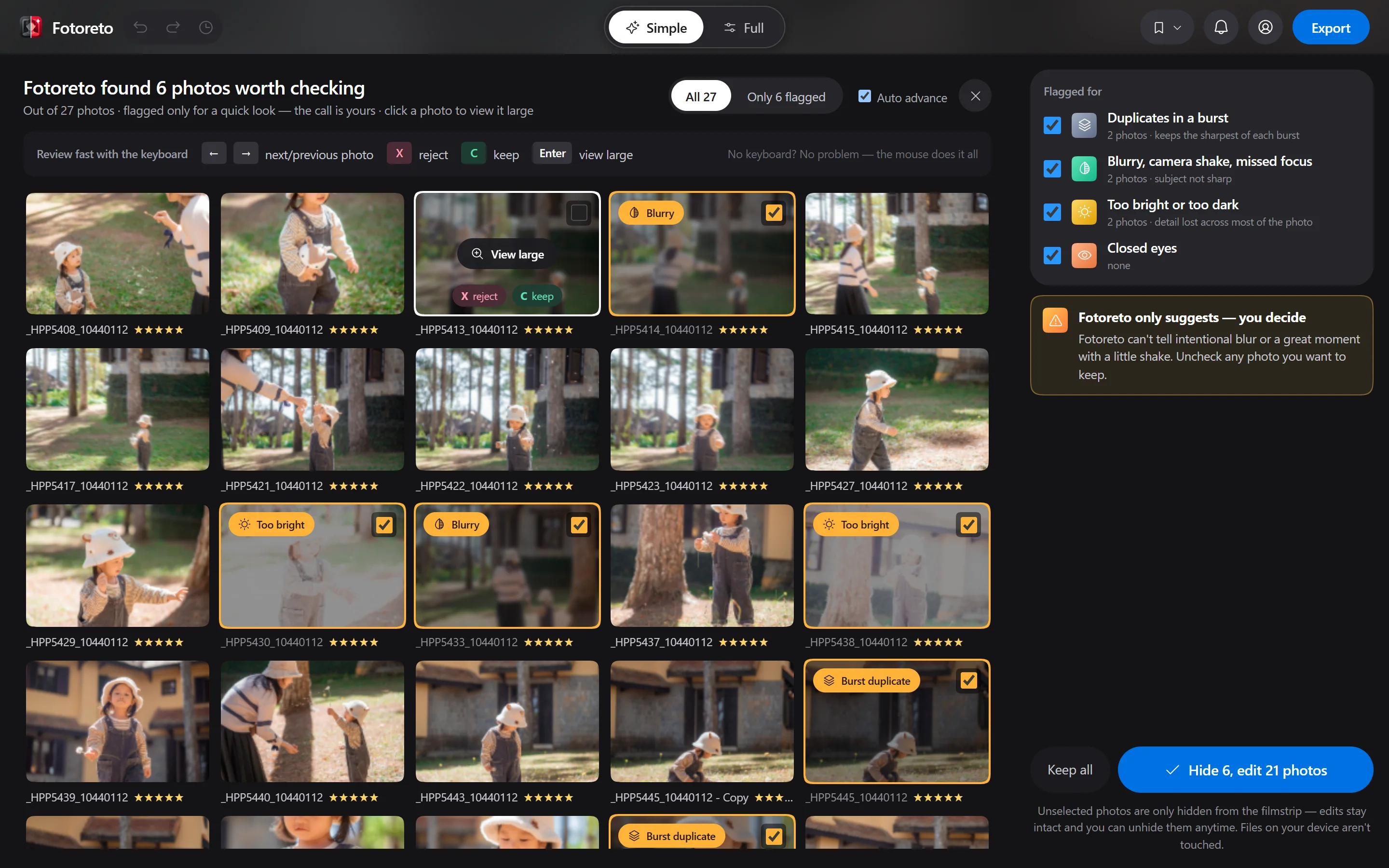
- Duplicates in a burst
- Blur and camera shake
- Focus missed the face or subject
- Too bright, too dark
- Closed eyes
- 1–5 stars with the number keys
The app only flags; keeping or rejecting is your call. Star ratings from Lightroom and Bridge are kept when you open the files. Premium
How to cull duplicates and blurAutomatic portrait retouch.
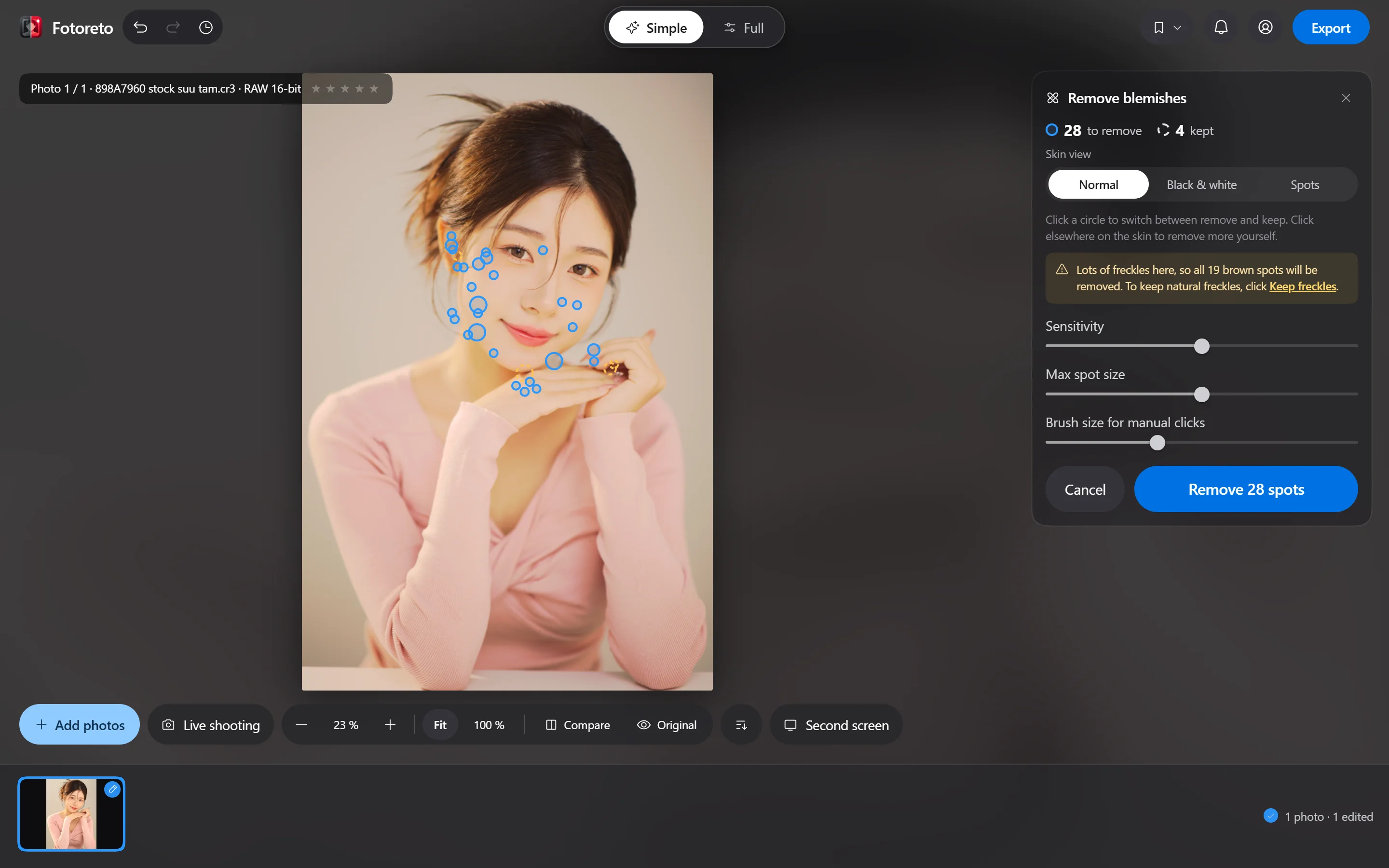
The app finds faces and circles every blemish. On freckled skin it asks whether to keep the freckles. You review before anything is removed; skin gets smoother and keeps its pores.
Free
- Remove blemishes: found for you, reviewed by you
- Detail-keeping skin smoothing, per zone
- Face brightening for backlit shots
- Dodge & burn brush with a black-and-white viewer
Premium
- Even skin tone, rosy skin
- Brighter eyes, whiter teeth
- Bigger eyes, slimmer nose, V-line jaw, double-chin removal
- Leg lengthening, liquify brush, hair fill
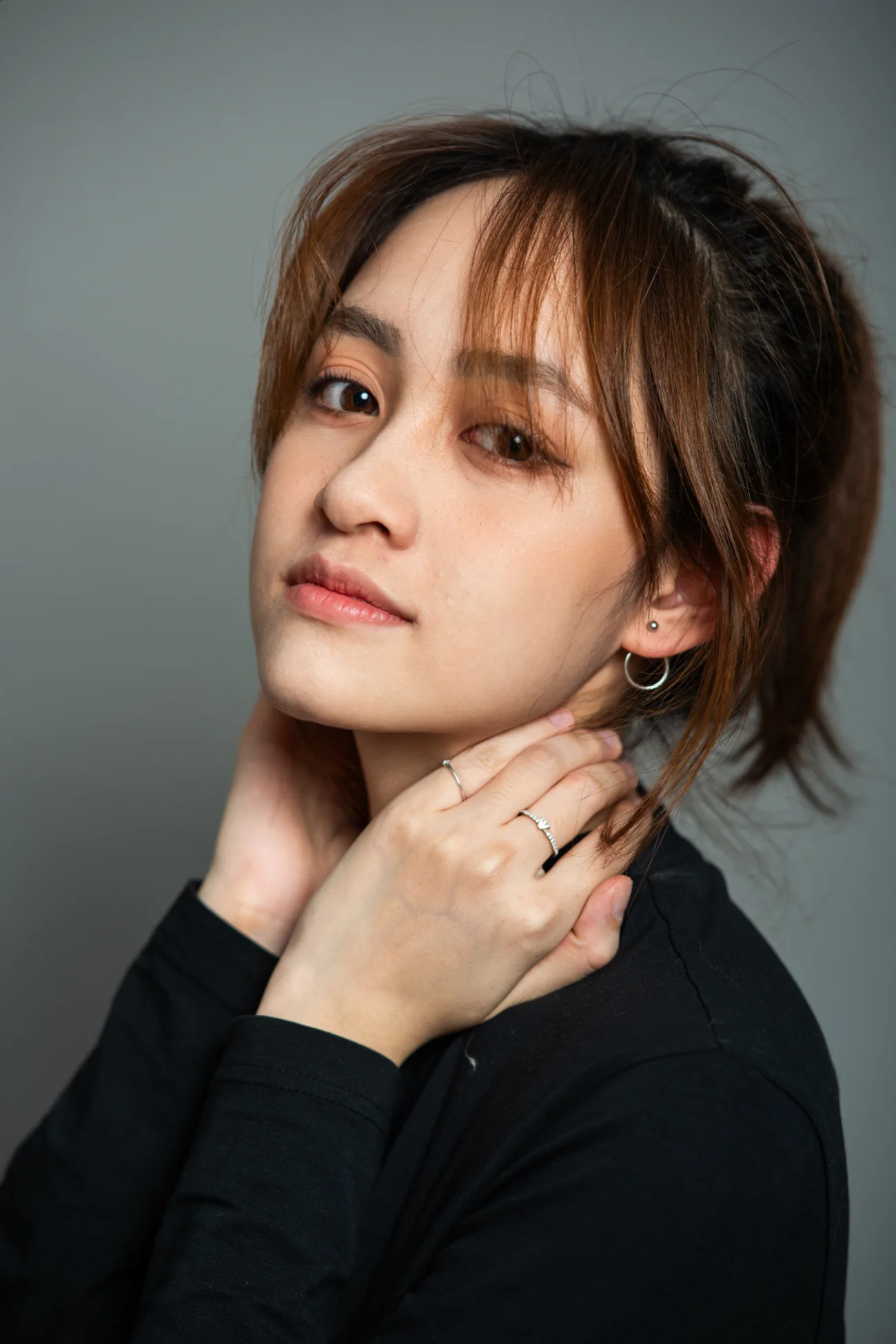



Face shaping Premium
Slightly bigger eyes, slimmer nose, softer jaw. It follows the landmarks of each face and stays subtle, so they still look like themselves.
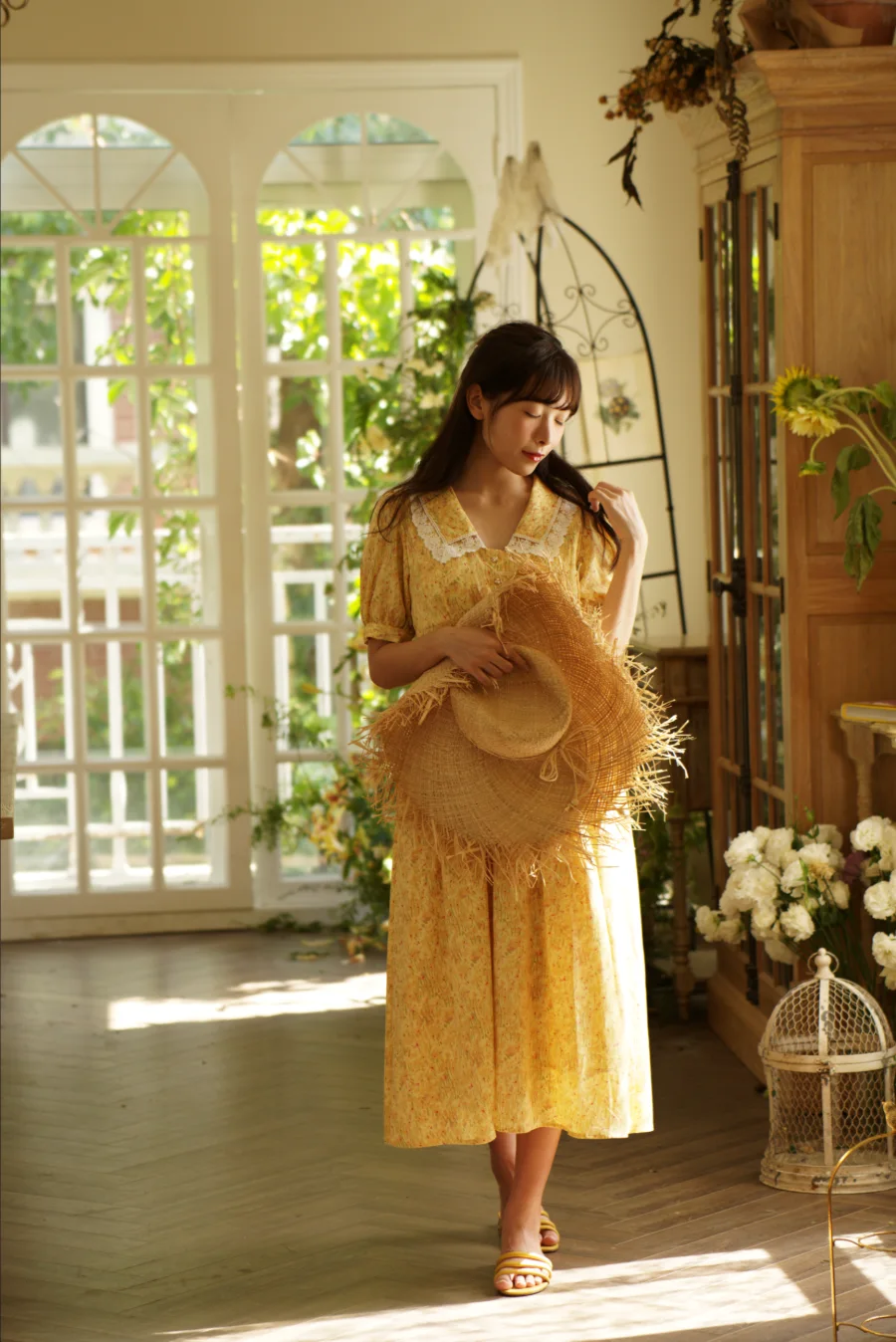
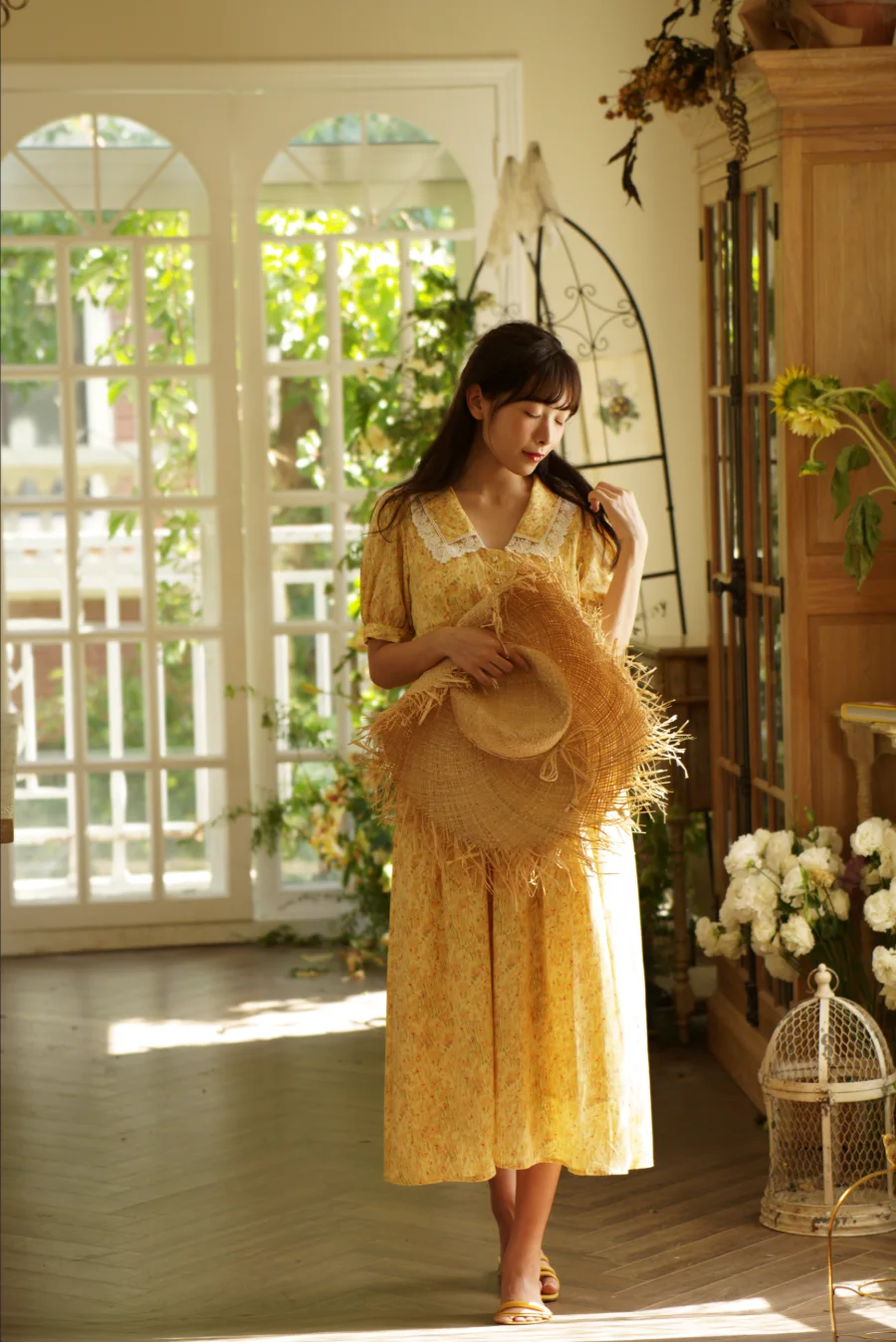
Longer legs Premium
Set two guides at the hips and ankles, then drag the slider. Head and torso stay put.
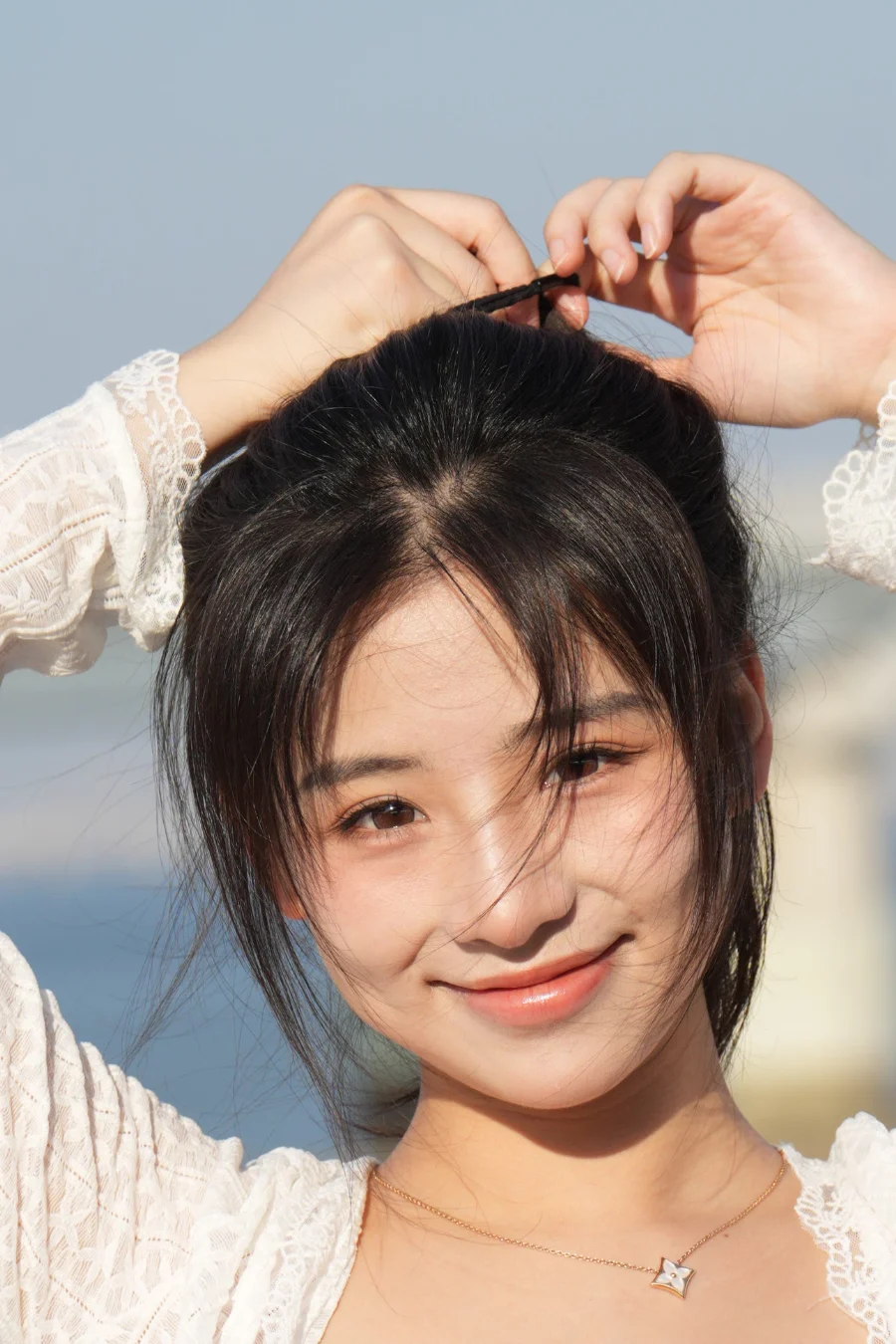
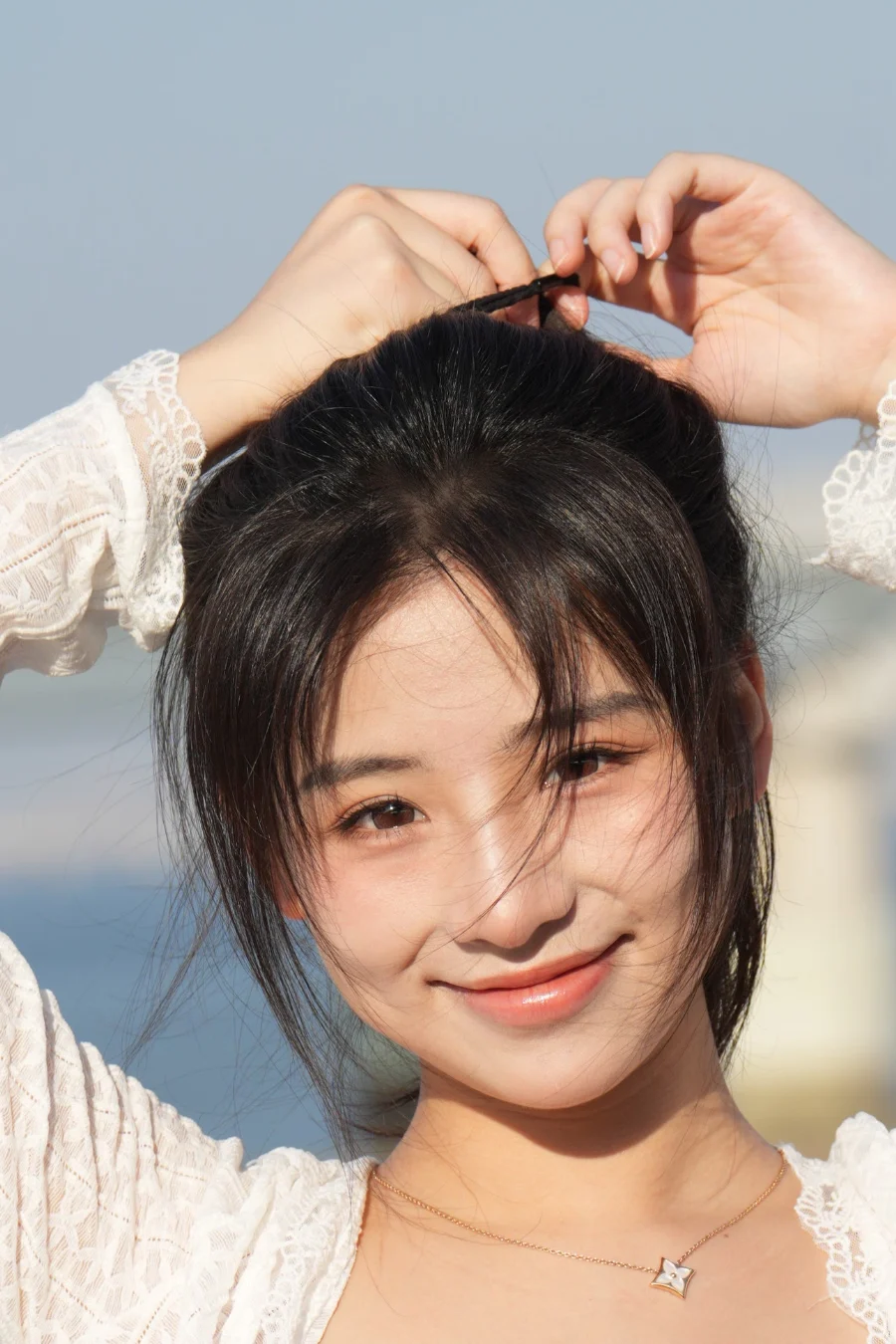
Thin crown fill Premium
Paint over a parting where the scalp shows and the app fills it with the color and texture of the surrounding hair.
Smart presets that fit each photo.
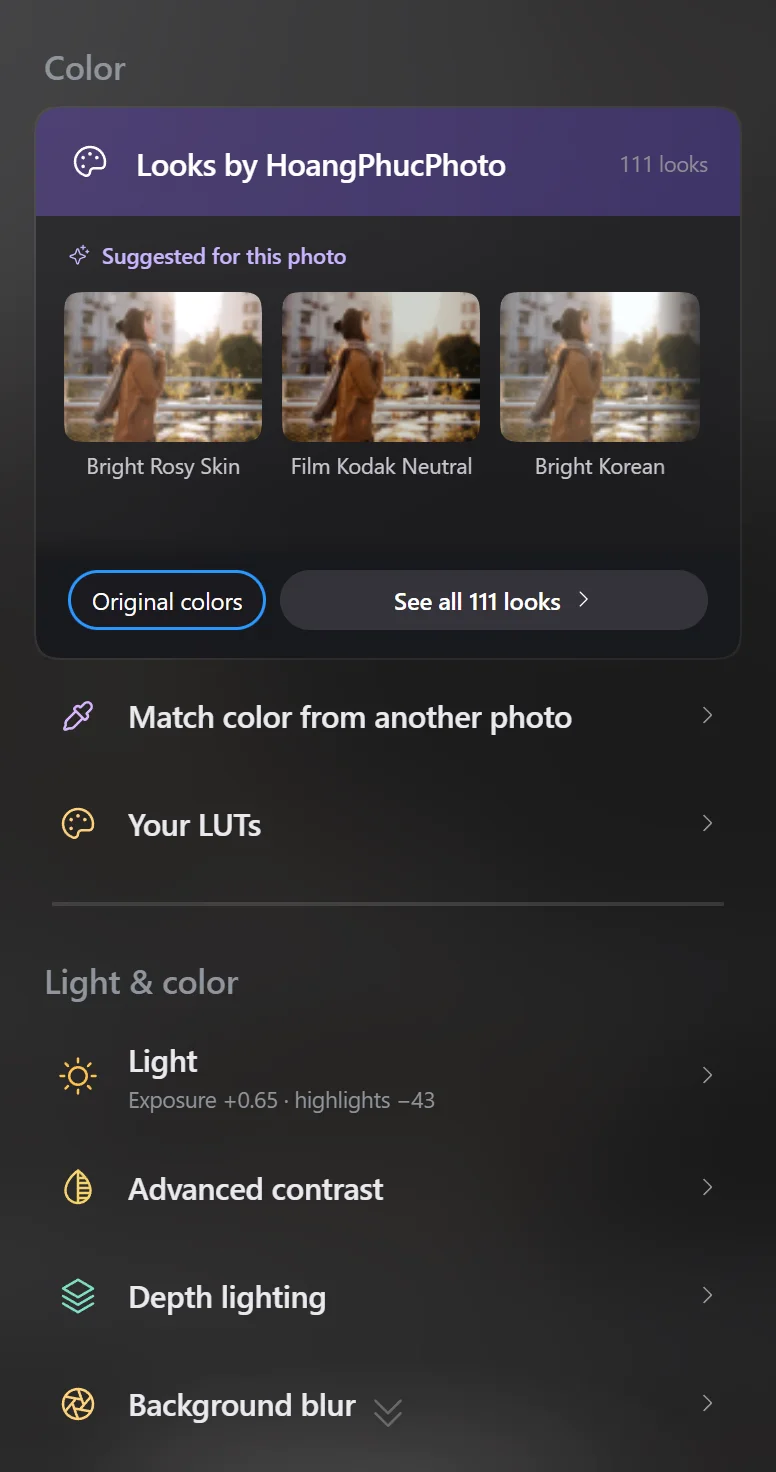
The app reads the light, skin tone and time of day of the open photo, tries every style on it and ranks the best matches first.
- Suggested for this photo
- The ten best matches for this very frame, a few from each kind of look.
- Fits the photo
- Styles auto-balance exposure and white balance, so shade and sun land on the same tone.
- Keeps skin tones
- The style changes the scene while skin keeps its real color. You get a nudge when a style shifts skin.
- Amount from 0 to 100
- Dial a style back without losing your manual edits.
- Lightroom presets and LUTs
- Add your own .cube LUTs. Premium imports Lightroom .xmp and .lrtemplate presets.
The free plan includes 10 styles; Premium unlocks all 111 by HoangPhucPhoto.
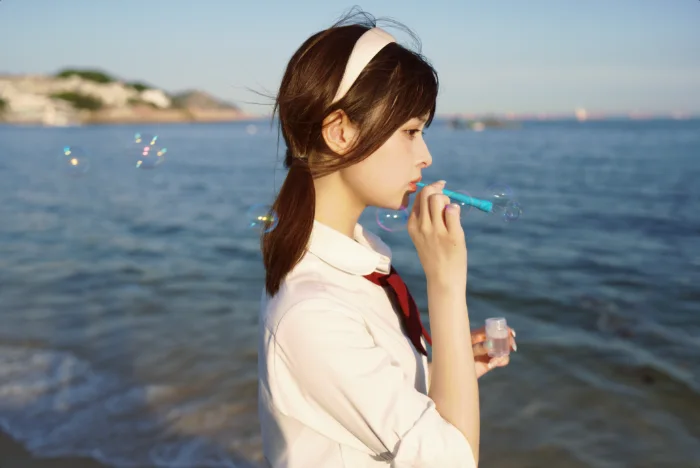
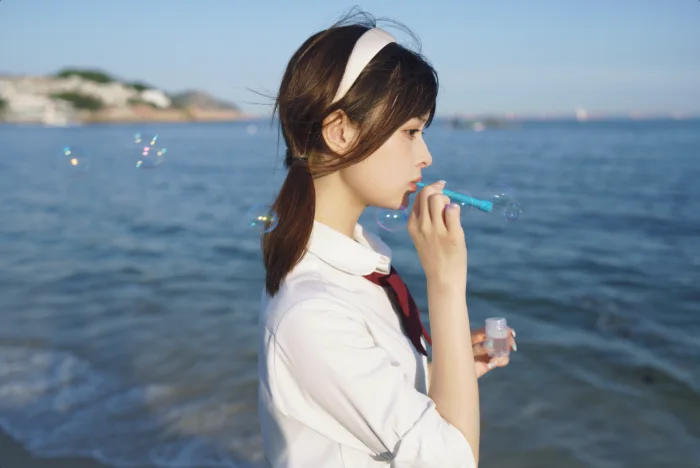
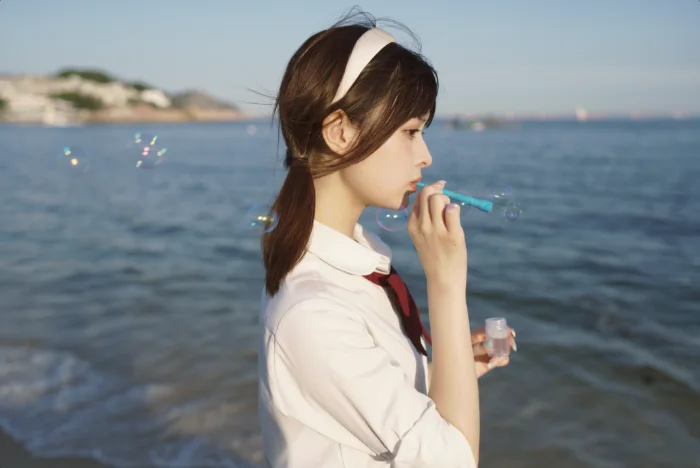
One photo, four styles:
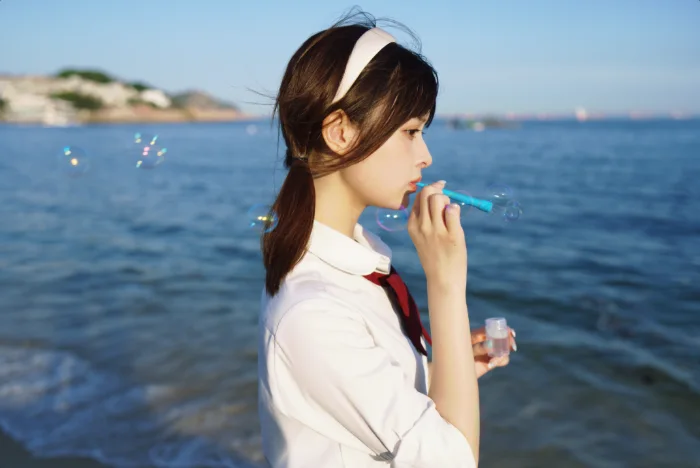
Edit one photo, the whole shoot follows.
Batch edit photos by syncing the look to the whole shoot, while each frame is still exposed and color-balanced on its own, so backlit and shaded frames match.
How to batch edit a whole shootOne-tap edits by photo type
- Wedding
- Graduation
- Studio
- Outdoor
- Product, food
- Landscape
- Street
- Newborn
- Kids
- Family
- Match light and color to a reference frame
- Copy color from another photo
- Virtual copies to try several looks
- Export several versions at once, with your studio logo
- .fotoreto projects: save a whole shoot, reopen and keep editing
- Shotpik editing: see the photos and notes your client picked while you edit
Lightroom-style tools, all of them.
Full mode has the photo color editing tools retouchers use every day. Beginners stay in Simple mode, where every slider explains itself.
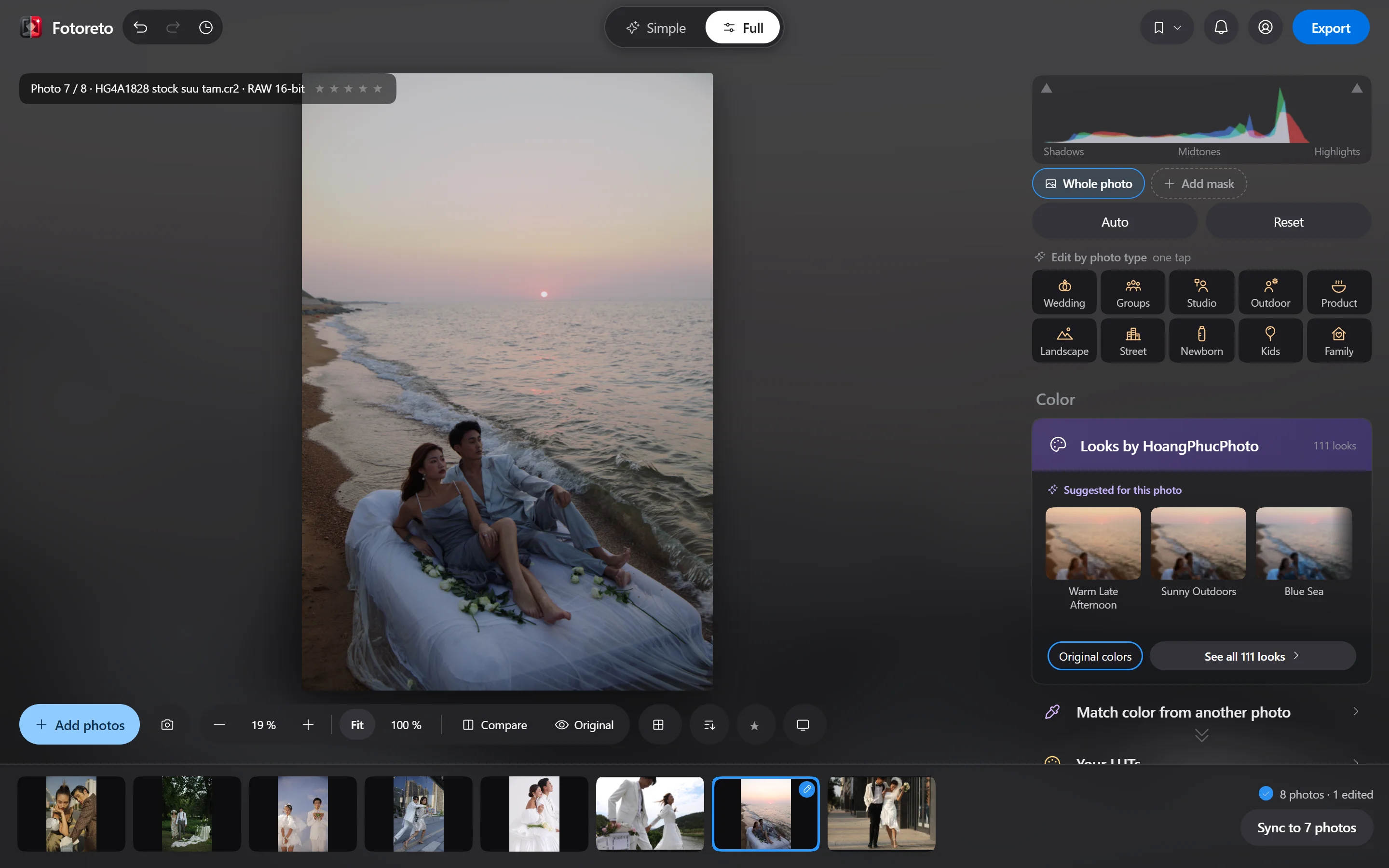

Light & color
- Exposure, contrast
- Highlights, shadows, whites, blacks
- White balance in Kelvin, tint
- Vibrance, saturation
Advanced color
- Tone curve
- HSL by color band
- Three-way color grading
- Calibration
Detail & lens
- Texture, clarity, sharpening
- Noise reduction, film grain
- Lens distortion, purple fringe removal
- Crop, rotate, straighten, vignette
Local edits
- Masks: person, skin, sky, object, depth
- Brushes with auto edge
- Dodge & burn
- Dehaze, golden hour, water
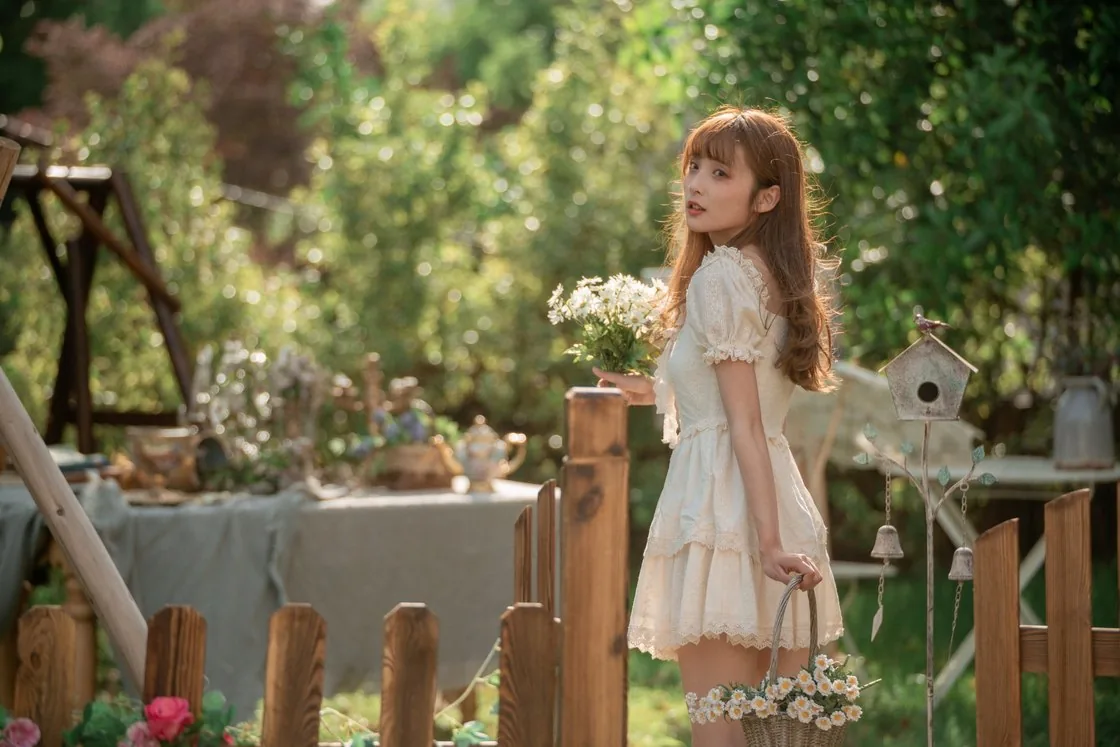
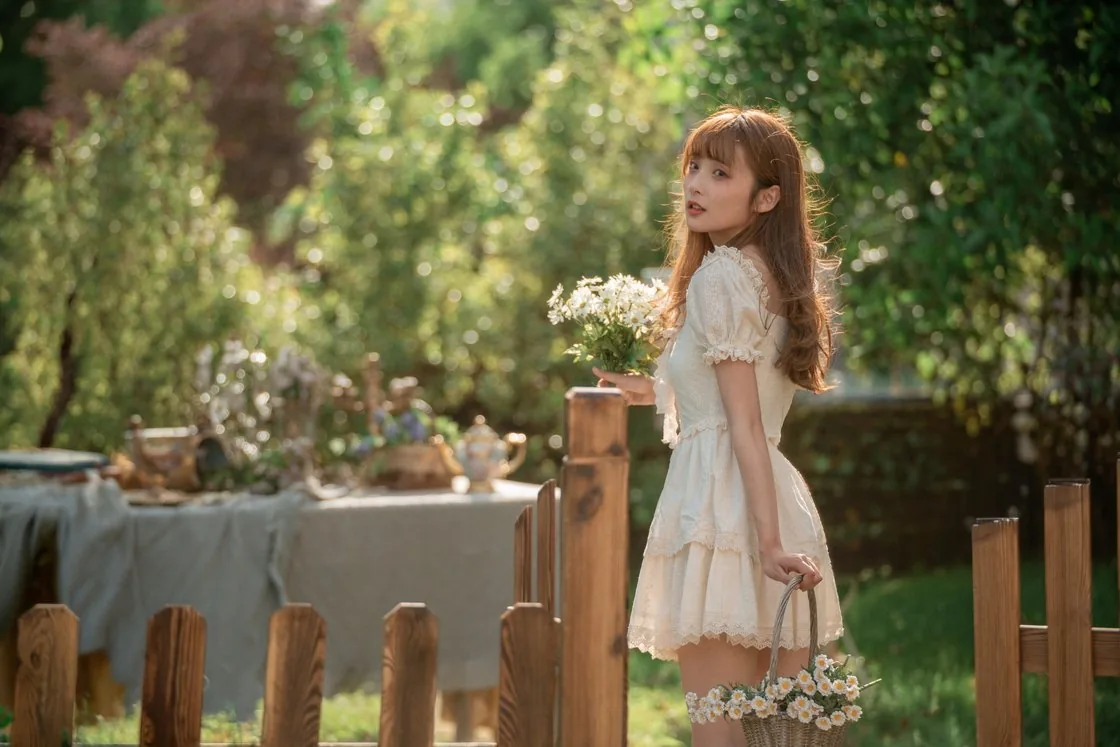
Object removal, background blur, sky replacement.
Paint over the distraction and AI fills the background right in your browser. Pick your own source with Healing or Clone. These three tools are Premium.
16-bit RAW
Opens RAW files from Sony, Canon, Nikon, Fujifilm, Olympus, Panasonic and DNG. Edits the 16-bit RAW data and keeps highlight detail — on every plan, free included (on computers; phones edit the embedded JPEG).
How to open RAW files onlineGod mode for retouchers
The Master plan unlocks God mode: a healing brush (frequency separation, Healing, Clone), dodge & burn that only touches shadows, midtones or highlights, Wacom pressure, Photoshop-style color layers (Selective Color, Gradient Map, color wheels) and your bought HoangPhucPhoto presets grouped by pack.
See God modeThree steps and done.
Drop your photos in
One photo or a whole folder, RAW included. The first shows up at once, the rest load behind it.
Edit one photo
Tap Auto adjust or pick a style, then sync it to the whole shoot.
Save
Pick what the photos are for and add your logo if you like. Files go straight into a folder on your computer.
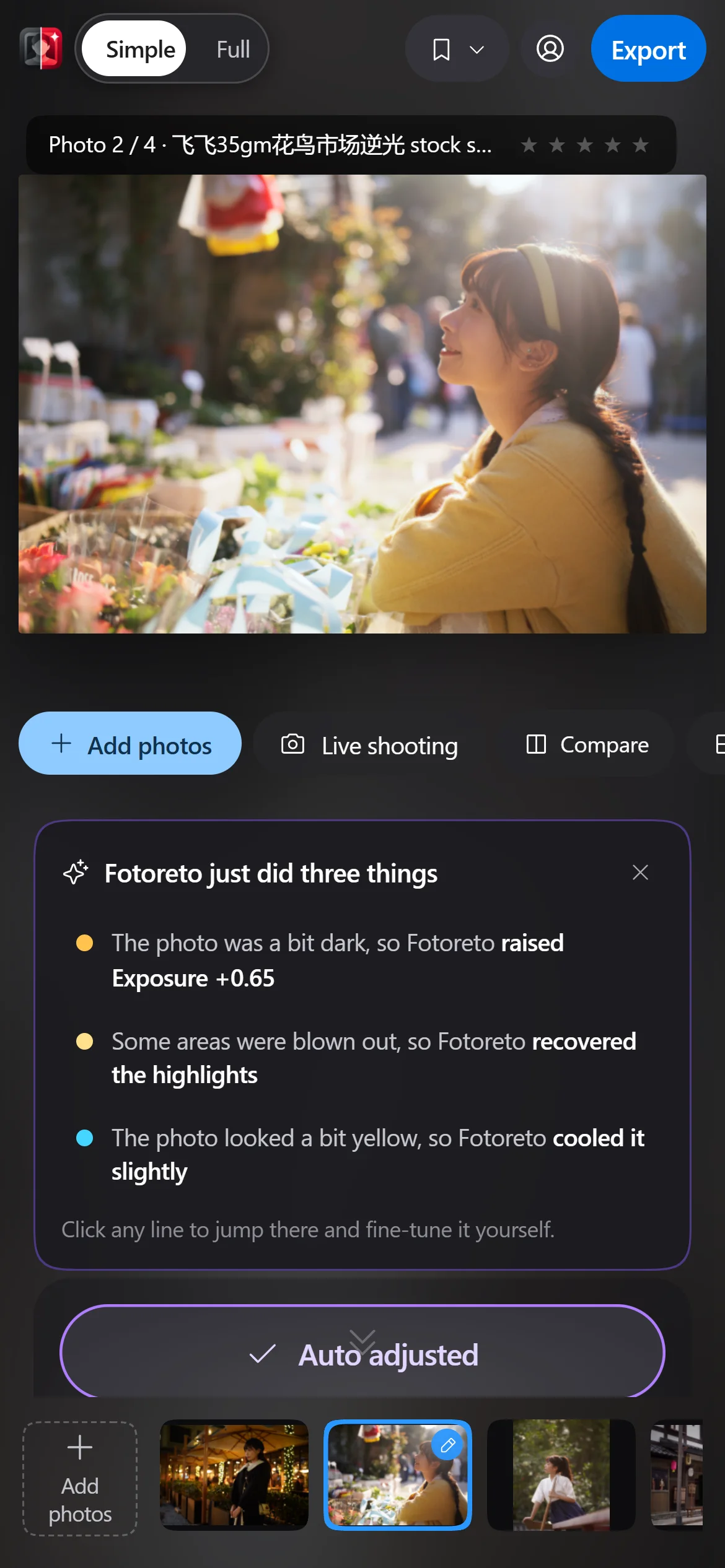
Compared with Lightroom and Capture One.
Fotoreto does not replace everything those two do. But to edit a whole shoot and deliver it fast, you do not need to install anything.
| Fotoreto | Lightroom | Capture One | |
|---|---|---|---|
| Price | Free plan; paid Premium | Adobe subscription, monthly or yearly | Paid |
| How you use it | In the browser, phones included | Installed app; the web version needs sign-in | Installed app |
| Account | Not needed for the free plan | Adobe account required | Account needed to activate |
| Your photos | Stay on your device, never uploaded | Lightroom Classic keeps them local; Lightroom syncs to Adobe cloud | Stay on your device |
| Culling, retouch | Built in, found automatically | Manual culling; deep retouch needs Photoshop | Manual culling; deep retouch needs other software |
Fotoreto fits when you
- Need to edit a whole shoot and send it out quickly.
- Want culling and portrait retouch in one place.
- Work on a machine where you cannot install software, or on a phone.
- Need your photos to stay private.
Stick with Lightroom or Capture One when you
- Manage years of photos with catalogs and keywords.
- Shoot tethered over a cable in the studio.
- Rely on plugins and advanced print workflows.
Your photos never leave your device.
Nothing is uploaded or stored online. Every edit runs inside your browser, and after the first visit it keeps working offline.
- Opens
- JPEG, PNG, HEIC, WebP, TIFF and RAW from Sony, Canon, Nikon, Fujifilm, Olympus, Panasonic, DNG.
- Saves
- Keeps camera, lens and exposure data. GPS location is removed.
- Runs on
- Chrome, Edge, Safari, Firefox, on computers and phones. Installable like an app.
Start free, upgrade later.
Free
No account needed
- Up to 10 photos per session
- 10 color styles, your own .cube LUTs
- Auto adjust, edits by photo type
- Remove blemishes, skin smoothing, face brightening
- Tone curve, HSL, color grading, masks
- Sync, save with your logo
Premium
Paid plans, prices shown in the app
- Unlimited photos
- Batch culling
- All 111 color styles, Lightroom preset import
- Full retouch: skin, eyes, teeth, face shape, body
- Object removal, background blur, sky replacement, group face swap
- .fotoreto projects, frames without the credit line, export presets, styles synced to your account
Pay with PayPal or a Visa / Mastercard card in US dollars, or by VietQR bank transfer in Vietnam. Need a company invoice? Choose company bank transfer.
See full pricingMaster (God mode) for retouchersInstall on phone or computer
Latest from the blog
All posts ›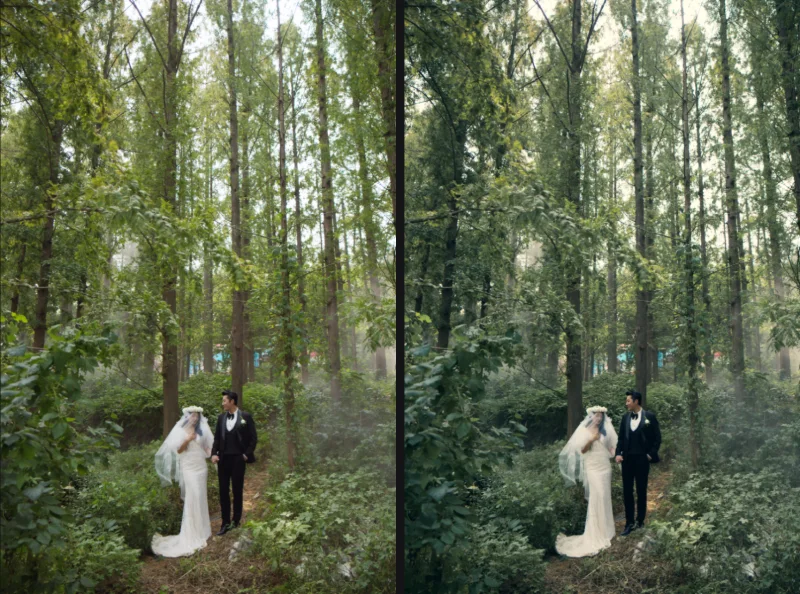
Color layers: color grading like Photoshop and Resolve
Stack Selective Color, Gradient Map, Lift / Gamma / Gain wheels, hue curves… with blend modes, opacity and masks. Plus a teal & orange recipe.
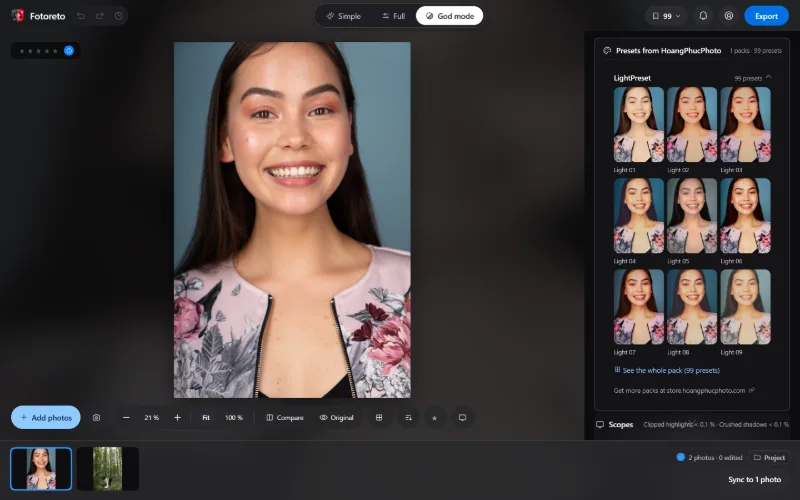
God mode in Fotoreto: a toolkit for retouchers
God mode is Fotoreto's top mode: skin check layers, Waveform and Vectorscope scopes, frequency separation, dodge & burn brushes, color layers, 16-bit export.
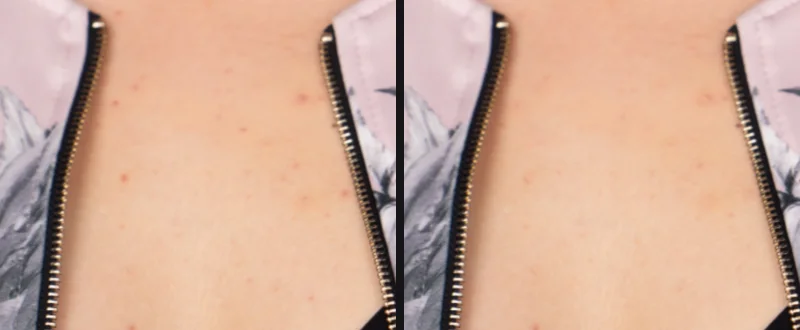
Dodge & burn and skin healing brushes with a Wacom pen
Use the God mode dodge & burn brush (shadows / midtones / highlights range) and skin healing brush (frequency separation, Healing, Clone) with pen pressure.
Frequently asked questions
Do I need to install software to edit photos online?
No. Open Fotoreto in your browser and start editing, on a computer or a phone. To launch it like an app, install it from the browser itself; there is still no software to download.
I have never edited photos. Can I use it?
Yes. Tap Auto adjust and the app balances light and color. Every slider explains what it does, and a short guide walks you through on first launch.
Is Fotoreto free?
There is a free plan with no account: up to 10 photos per session, 10 color styles, Auto adjust, blemish removal, skin smoothing, tone curve, HSL and masks. 16-bit RAW editing is free too. Paid Premium unlocks culling, full retouch, object removal, background blur, every color style and unlimited photos.
Are my photos uploaded?
No. Photos are read and edited on your device. If you sign in, the server only knows your account and plan.
What does batch culling do?
The app flags duplicates in a burst, blurred frames, camera shake, focus that missed the face or subject, over- or underexposed frames, and closed eyes. You review and decide what to keep. Culling is a Premium feature.
What does automatic portrait retouch include?
It finds blemishes for you to review, smooths skin while keeping detail and brightens faces (free). Premium adds even skin tone, brighter eyes, whiter teeth, face shaping, leg lengthening, liquify and hair fill.
How are smart presets different from ordinary presets?
The app tries the styles on your actual photo and suggests the best matches. Styles balance exposure and white balance to the photo and protect skin tones, so a whole shoot stays consistent.
Can Fotoreto replace Lightroom?
For editing a whole shoot quickly, culling and portrait retouch, yes: it has tone curve, HSL, color grading, masks, sync and star ratings. If you manage years of photos in catalogs or shoot tethered over a cable, Lightroom is still the better fit.
Can I use Lightroom presets?
Yes. Premium imports .xmp and .lrtemplate files, including embedded color profiles. .cube LUTs exported from Photoshop, Lightroom or DaVinci work on the free plan too.
Which file types does it open?
JPEG, PNG, HEIC, WebP, TIFF and RAW from Sony, Canon, Nikon, Fujifilm, Olympus, Panasonic and DNG. Every plan, free included, edits the 16-bit RAW data (on computers; phones edit the embedded JPEG).
How does object removal work?
Paint over what you want gone and AI fills the background inside your browser (the model downloads on first use). Not happy? Try another fill, or use Healing and Clone to pick the source yourself. Object removal is Premium.
Do saved photos keep their metadata?
Yes. Camera, lens and exposure data are kept. GPS location is removed for your privacy.
Which browser should I use?
Chrome or Edge on a computer gives the full experience: saving straight into a folder and resuming unfinished edits. Other browsers still work; photos download one by one or as a ZIP. On a Mac, use Chrome or Edge rather than Safari: Safari limits memory, so opening many RAW files at once can close the page.

Try it with your own photos.
Opens and works right away. Nothing to install, no sign-up.
Open the appYour photos stay on your device and are never uploaded to any server